From script to final cut
in one continuous project
Director OS keeps character looks, shot briefs, keyframes, video candidates, review findings and the timeline connected. Change any stage, then continue from the production context you already approved.
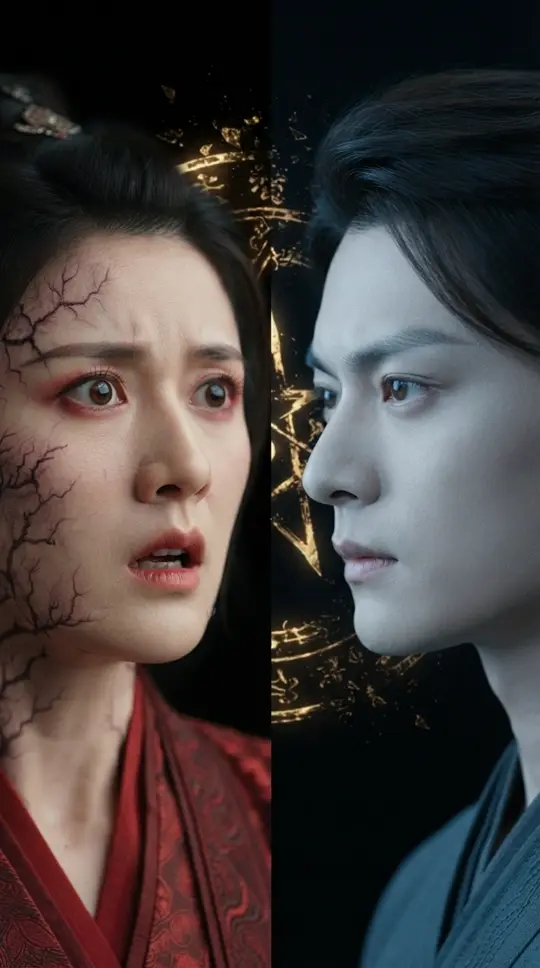
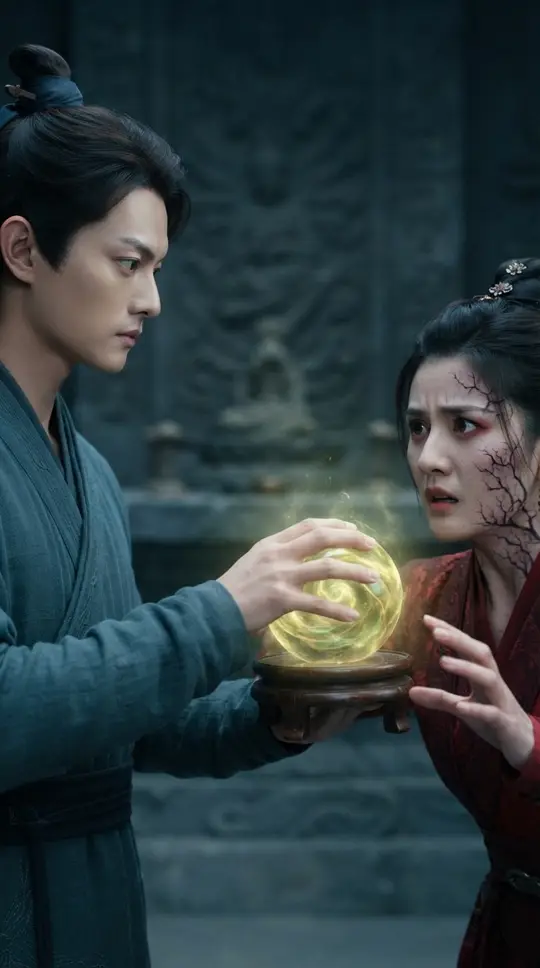
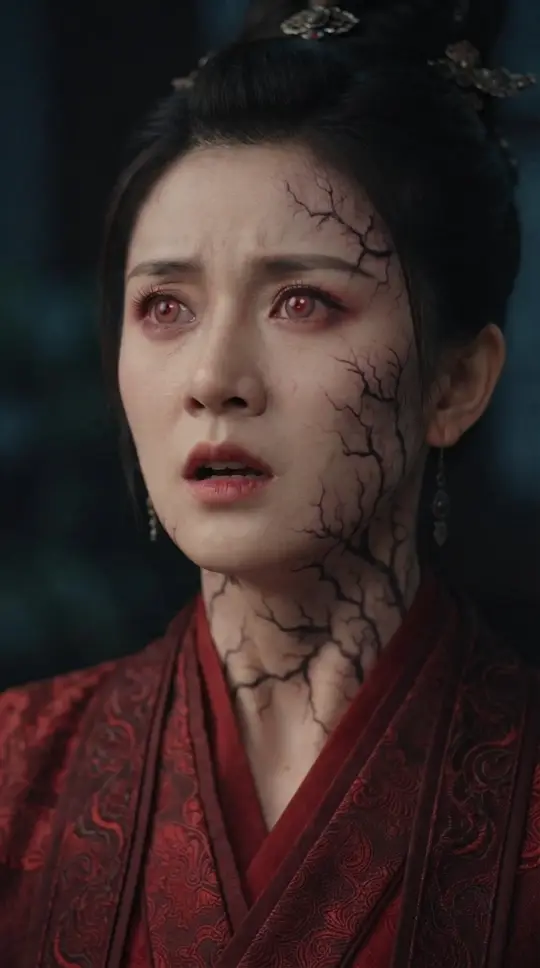
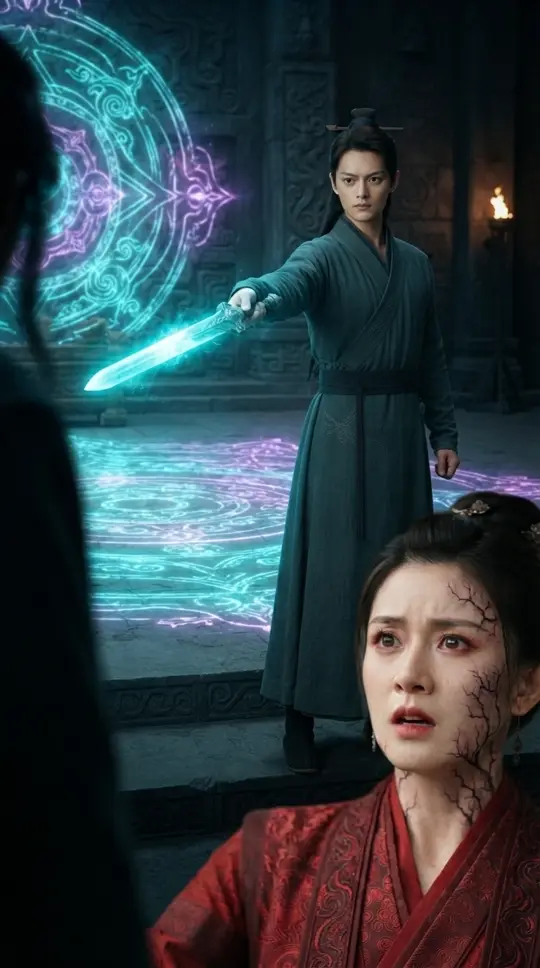
The Demon Within
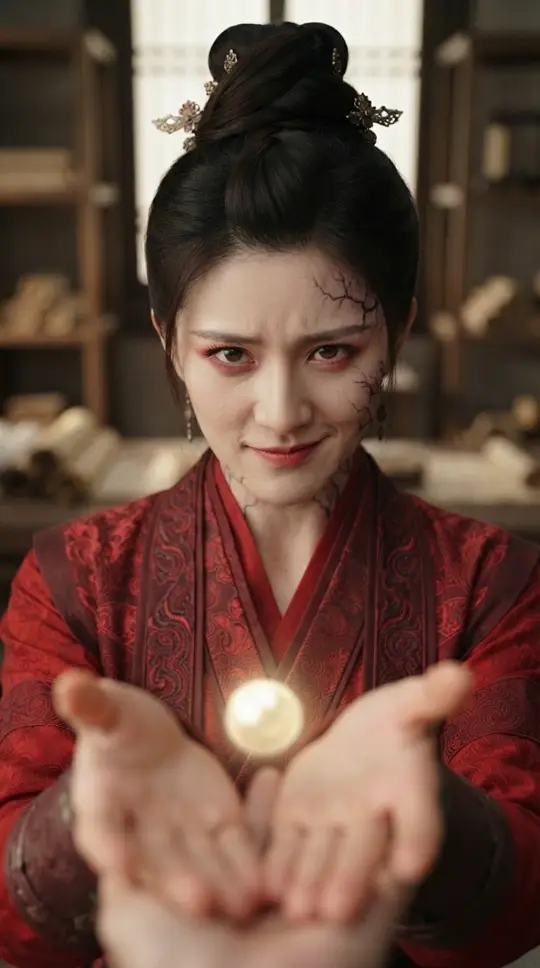
Condemned in a former life for stealing an immortal elixir, Yunzhao returns and calmly offers it to Liufei—waiting for the truth inside her to reveal itself.
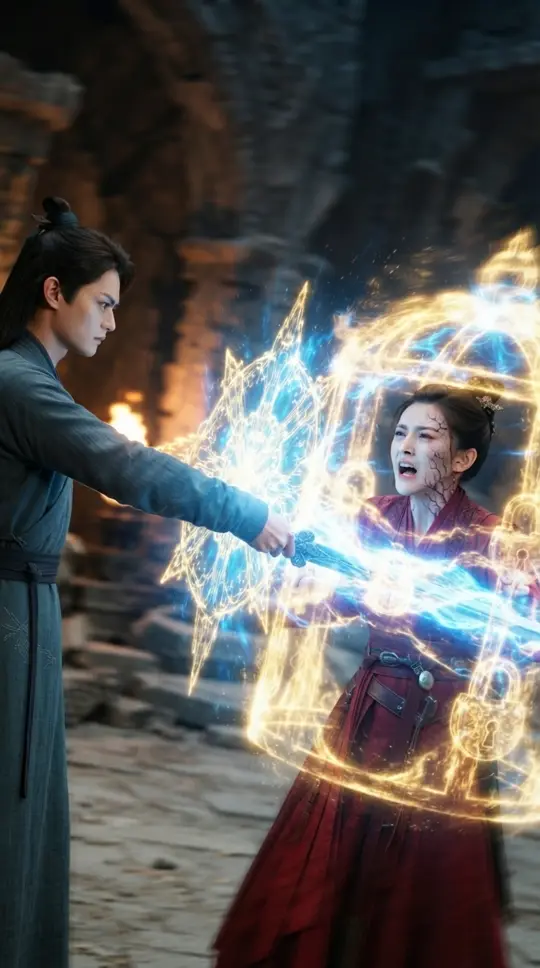
Every shot keeps
its full production context
Approve characters and shots before generation, then carry review findings into the next version. No rebuilding prompts from scratch and no manually reassembling context across tools.
Generation starts from the full shot brief
Narrative intent, action, framing, camera, dialogue and continuity constraints become one generation context.
Character versions persist across shots
Profiles, approved looks, wardrobe and scene state remain explicit references instead of disappearing into a prompt.
Review findings become repair actions
AI cites the issue, timecode and evidence. You choose what matters and produce one consolidated revision.
Every stage has an input
a version and an approval
Story & shots
Turn an idea into editable scenes, characters, voice-over and production-ready shot briefs
Characters & look
Approve identity, visual versions and the project look before expensive generation begins
Generate & select
Approve keyframes first, then video; preserve every candidate, parameter and selection
Review & deliver
Compare footage with the script and adjacent shots, fix what matters, then edit and export
Start with a story
build a production
Plan characters and shots, then move through generation, review and editing in one workspace. Product access is free during early access.
Open the workspace